Webex Video Conferencing offers real time transation!
- Real-Time Transcription & Translation
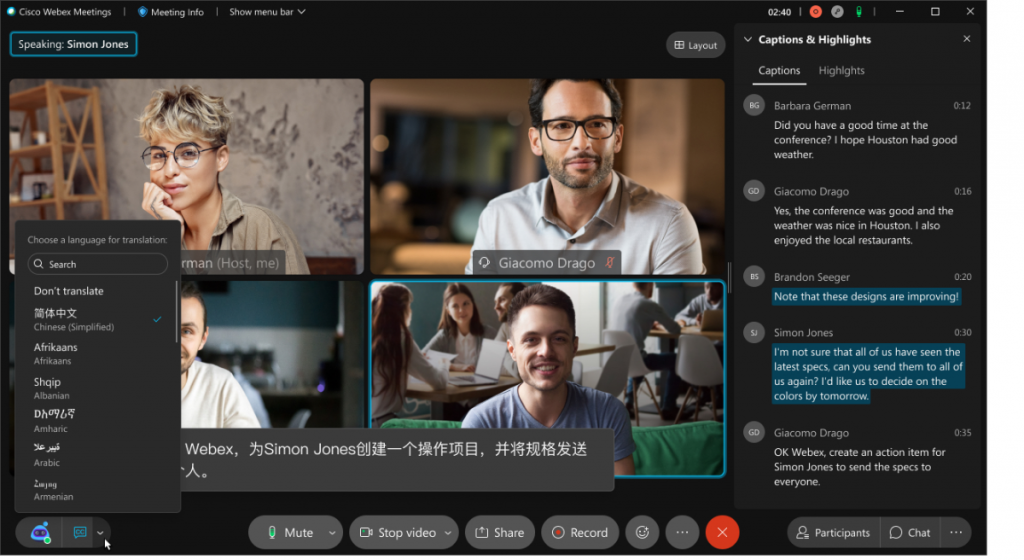
- Webex can automatically transcribe spoken language during meetings and translate it into over 100 languages.
- Example: A speaker talks in English, and attendees can view subtitles in French, Spanish, Japanese, etc.
- Closed Captions/Subtitles
- Attendees can choose their preferred language for on-screen captions during a live meeting or webinar.
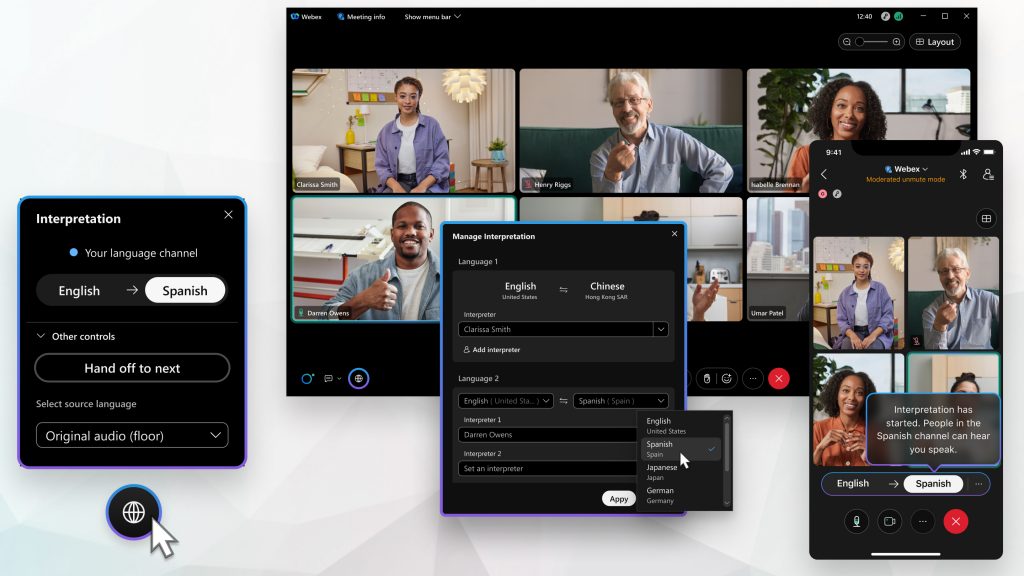
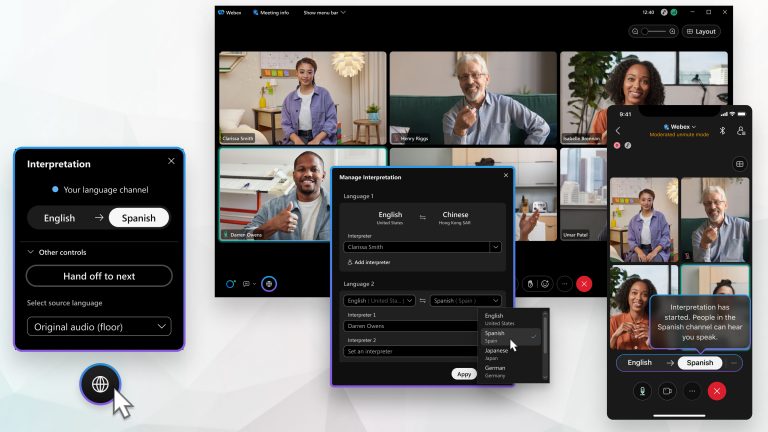
- Live Interpretation (Simultaneous Translation)
- Webex also supports human interpreters who can provide live audio translation.
- Participants can select an interpreter channel and listen in their preferred language.
- Language Support
- Spoken input: Supported in 13+ major languages (English, French, German, Mandarin, etc.)
- Subtitles: Translated into 100+ languages, including regional and dialect-specific options.
🎯 Use Cases
- Global teams collaborating across different native languages.
- International training sessions or webinars.
- Hybrid classrooms with students from various countries.
- Customer support meetings with clients from non-English-speaking regions.
📌 Requirements
- Some features, like real-time translation, may require:
- A Webex Suite plan or Webex Meetings with an add-on license.
- Compatible browser (for Webex Web App users) or desktop/mobile clients.